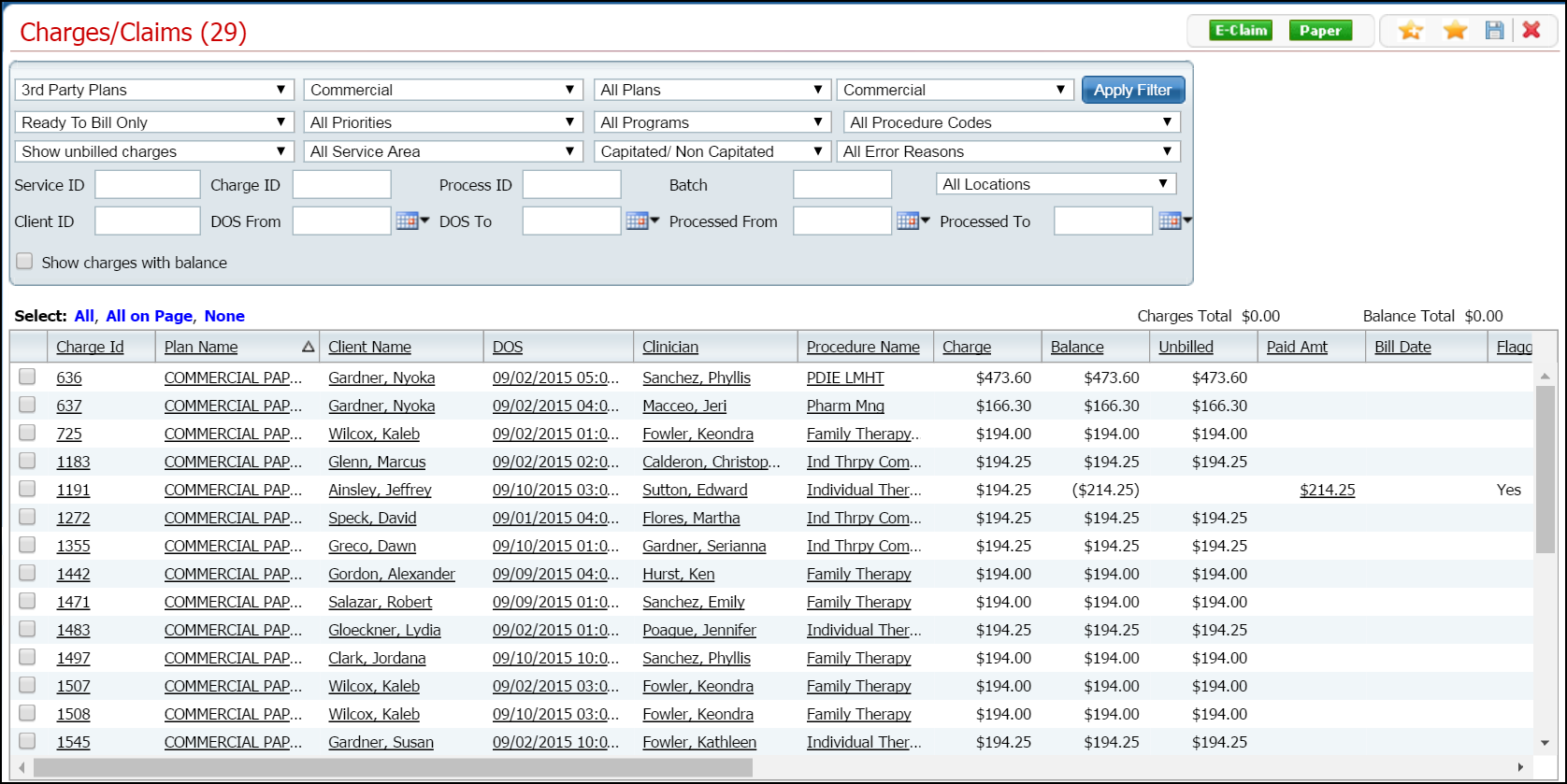
You validate a charge when it is created. You perform this procedure from the Charge Details page.
Follow this path: My Office tab > Billing banner > Charges/Claims sub-banner.
The Charges/Claims (###) list page is displayed. View field definitions.
Click the hyperlinked Charge ID in the Charged Id column.
The Charge Details page is displayed. View field definitions.

Click the Validate Charge button.
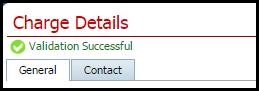
If the validation is successful, the following message is displayed.
 icon
in the toolbar to close the page.
icon
in the toolbar to close the page.